Your website becomes a real iPhone & Android app you design.
No code, no blank page. Pick one of 42 industry templates, add your name and colors, and watch a real app come alive — the same one your customers install on iPhone or Android. Tap the bell to preview notifications. No signup. Build your free site and this installable app comes with it: your icon on your customers’ home screen, no app store, no fees.
This previews an installable web app you design — not a native app-store app. The test notification is a preview; nothing is sent. Included on every published site.
Just want to play? Build an app free, distraction-free →
42 industry templates
A ready-made app for your trade — edit it, never start from a blank page.
iPhone & Android
One app customers install on either phone — no separate builds.
Custom icon & splash
Your colors, icon and branded launch screen — no design skills.
Push notifications
Message the customers who install your app (paid plans).
Works offline
Pages they’ve already opened keep loading with no signal.
Your own domain
Website and app on your own address, one subscription.
Its own look
The app can wear its own light/dark, color and font, apart from your website (paid plans).
Stays up to date
Connect your menu, rooms or listings to refresh themselves — or add them by hand.
No dead buttons
Order, book and enquire all work — each lands in your dashboard.
A custom app can cost tens of thousands to build. Yours is included.
Businesses pay agencies $15,000–$50,000+ for a custom app, plus a monthly retainer to run it. Here, designing your own installable app — 42 industry templates, your icon, colors, splash and in-app tab bar — is part of your GrowMyWebsite plan. One subscription covers your website and your app.
That price is for the installable app customers add to their home screen — not a native App Store / Google Play listing. Want a native store app too? That's the optional done-for-you build below.
Website + app, one plan
from$49/mo
Build my free siteStart free — design your app now, upgrade when you're ready to publish it.
That could be your business's app
Start from one of 42 industry templates, then edit it. Here are three — a shop, a studio and a real-estate app, each with its own layout, icon, colors and tab bar. Whatever you run, there's a template shaped for it.
Vela Studio
Boutique · Shop
Ironhouse Gym
Gym · Book a class
Coastline Homes
Real estate · Browse
Pick your business type — the app reshapes to how you run it
Tell the builder what you do and it rebuilds the app's screens and bottom tabs to match — 12 trades, each with plain-English switches like "Order ahead", "Reservations" or "Loyalty". Flip a switch, the matching screen appears; flip it off, it goes. Every screen stays yours to edit afterwards.
Restaurant / Café
Flip a switch — the screen and its tab follow.
MenuHome
A tappable menu on your home screen — each dish opens a detail. Hidden on your live site until you add real dishes.
Order ahead
A pick-and-send order screen. Orders land in your inbox — it never charges a card.
Delivery
A delivery request screen — customers tell you where and when; you confirm by reply.
Reservations
A table-booking screen. It takes a REQUEST to your inbox — it doesn't hold a real table automatically.
Loyalty
A rewards screen you keep up to date yourself — it shows what you type, not a live points balance.
Still fully editable
The configurator only sets the starting structure — every screen then opens in the same block editor you already use.
Nothing is invented
New screens arrive at their honest defaults and stay hidden on your live site until you add real dishes, rooms or services.
Non-destructive
Change your mind and switch a flow back on and your earlier edits to that screen are restored, not lost.
HonestThe configurator reshapes structure — it never adds testimonials, ratings or logos to make your app look busier than it is.
Three steps to an app on their home screen
- 1
Build your website
Answer a few questions and your mobile-ready site is live — no design or code. Every published site can become an app.
- 2
Design your app
In the App Builder studio, set your icon color and style, app name, splash screen, status-bar color and the pages that become tabs.
- 3
Customers install it
Visitors tap “Add to Home Screen” and your app lands next to their other apps — full-screen, with your branding, on their phone.
Ready to build yours? It starts free.
Create your free site, design your app in a few clicks, and let customers keep it on their home screen — no credit card, no app store.
What you can customize
Icon, brand colors, app name, splash screen, tab bar, full-screen mode and start page — all point-and-click in the studio, no code. You just tried it live above; here's where you begin.
Start from one of 42 ready-made apps
Each is a template shaped for a real trade — pick the closest one and edit the words, colors and screens. Never a blank page.
Working features, not just pretty screens
Drop in blocks that run for your customers — a timer they can start, a checklist they can tick off, a library of your videos they can play — all inside the app, no code.
Timer
A real countdown or work-rest interval timer that runs right in the app — start, pause, reset. Perfect for a workout, a rest break or a cooking step.
Checklist
A tap-to-check list you write. Visitors tick items off and their progress is remembered in their own browser — no account, and nothing is sent back to you.
Video library
A browsable grid of your own videos — paste a YouTube, Vimeo or direct link, add a title and an optional category to filter by. Tap a tile to play.
HonestEach of these stays hidden on your live site until you give it real content — a time, a first checklist item, a first video — so a half-set-up block is never shown empty.
Your app doesn’t have to look like your website
On a paid plan the app becomes its own experience — its own address, its own look, and per-page control over what shows on the web versus in the app.
Its own web address
Give the app its own link, like /a/your-app — the address on your install QR and share link, separate from your website’s. Leave it unset and the app shares your site’s address.
Its own look
Set the app’s own light or dark mode, accent color and font. It can look nothing like your website — and changing it never touches the site.
Website or app, per page
Choose per page where it shows — website, app, or both. Build app-only screens your website never displays.
No dead buttons — it works like a real app
Every button does something real: a customer taps a card, sees the detail, and orders, books or enquires — each one landing in your dashboard, tagged by where it came from (like “from the app”). Paid checkout runs through your own Stripe or Square: you’re the merchant of record, the money is yours, and GrowMyWebsite never sees or stores a card number. A button that isn’t fully set up is hidden — customers never hit a dead end.
The same app — on the phone, the watch and the big screen
Your app has one shared foundation — then you can tweak how it lays out per device, so an iPhone, a watch and a lobby TV each get the arrangement that suits them, without maintaining three apps.
iPhone & Android
The full app
Header, browsable grid and a bottom tab bar — the complete app in a customer's pocket.
Apple Watch
One glance
The same app pared back to a single next-action for the wrist. A real watch app needs the native build path — the watchOS export ships as source.
TV / big screen
Across the room
The same content fanned out wide for a lobby menu board at /tv/your-app — cast it or open the link in the screen's own browser (it's a display of your own content, not an Apple TV Store app).
Put your app on any TV or lobby screen
Every published app gets a big-screen display at /tv/your-app — the same content, blown up for the room. Cast it from your phone or open the link right in a smart-TV browser, and it scales itself to the screen.
Cast or open
Chromecast, AirPlay, or paste the /tv/your-app link into the TV's own browser.
Built for the room
A menu board, class or event schedule, or an announcements loop — scaled up so it reads from across a lobby.
Stays current
Edit your app and the screen refreshes itself — leave it running.
Your same content
It shows your real app screens — no separate build to maintain (an empty app just shows an honest empty screen).
Honest: this is a display you cast or open in a browser — not an Apple TV Store app. Nothing to submit, and it shows your real content (an empty app just shows an honest empty screen).
One base, edited once
Change the shared app and every device that didn't override that bit follows automatically — no copy to keep in sync.
Tweak per device
Hide a block, reorder screens or swap a layout for just the watch or the TV — the change stays on that device only.
Reset any time
“Reset to base” is a clean revert — the device drops its tweaks and shows the shared app again, exactly.
Real Apple design — iOS 27 “Liquid Glass”
Licensed specsThe app's chrome is built from Apple's own numeric design specs — the exact translucent material fills, corner radii and type metrics — so the glass, spacing and proportions look native, not approximated. We ship no Apple fonts, icons, vectors or images: San Francisco renders for free on Apple devices through the system font. It looks right on iPhone and degrades gracefully everywhere else.
Connect your menu, rooms or listings once — it stays current
Link the tools you already run and your app keeps itself up to date, so you never re-type what’s in stock, bookable or for sale. Prefer it simple? Add everything by hand — your choice.
Restaurants & shops
Square
Pull your menu or catalog from Square so items and prices stay current in the app — or add them yourself.
Hotels & stays
Cloudbeds
Show your live room types from Cloudbeds so what’s bookable stays right — or list your rooms by hand.
Real estate
MLS / IDX (RESO)
Show your real, always-current listings through the RESO/IDX feed once connected. Nothing is invented; where a live feed isn’t on you get an IDX search link, not fake listings.
Salons & services
Square Appointments · Calendly
Your services and times sync from Square Appointments or Calendly. With Calendly, the booking happens on your Calendly page and flows back to you.
Honest by design: a source only syncs once you connect it (and, for MLS, once your platform’s IDX feed is switched on). Until then — or any time you’d rather — add items yourself, and nothing is ever invented to fill the gap.
We keep each app healthy for you. An automatic daily health check quietly tidies up your app — dropping a tab that points at a deleted page, resetting a missing start screen — and flags anything only you can fix (like a connected feed that stopped responding), naming the exact app so you know where to look.
Message the customers who installed your app
Build an audience of customers who added your app and opted in. On paid plans you can message them with push notifications — event reminders, booking deadlines, offers, updates — as push rolls out.
- Available on paid plans — the volume you can send each month scales with your plan.
- Free collects subscribers, so your audience is ready the day you upgrade — it just doesn’t send yet.
- iPhone note: push needs iOS 16.4 or later, with your app added to the Home Screen first — a plain Safari visit can’t receive them.
An installable web app — here's exactly what that means
Customers add it to their home screen in a couple of taps — your icon, opens full-screen, even works offline. No app store, no yearly fee, no review. Here's how it compares to the App Store way, what it can (and can't) do, and how you share it.
The App Store way
Apple App Store / Google Play
- You need a developer account — Apple charges about $99 every year, Google a one-time fee of about $25.
- Every app goes through a review that can take days — and can be turned down.
- It usually takes a developer to build it, then keep updating it.
Good news: you don't need any of this with us.
Your GrowMyWebsite app
The easy way
- Your customers add it to their phone in two taps — your icon, opens full-screen, even works offline.
- No app store, no developer account, no yearly fee, no review, no waiting.
- It’s ready the moment your website is live — and updates itself when your site changes.
This kind of app is called a “PWA” (Progressive Web App) — but you can just call it your app.
For what a local business needs — menu, booking, tap-to-call and directions — this works just like an app, at zero extra cost. If you ever do need a listing inside the App Store or Google Play, that's a separate, bigger project most small businesses never need.
What your app can do — and what needs a full native app
So you never build something the installable app can't run. Nearly every business only ever needs the left column.
- Home-screen icon, full-screen — Your icon on their phone; opens full-screen like an app.
- Works offline — Pages they've already opened keep loading with no signal.
- Push notifications — On paid plans. On iPhone, they add your app to the Home Screen first.
- Tap to call, text, map & directions — One tap opens the phone, messages, or maps.
- Menus, ordering & booking — Orders and bookings reach your inbox or your own payment link.
- Forms, galleries, lists & screens — Contact forms, photo galleries, multi-screen navigation and a tab bar.
- AI assistant — An AI helper that answers from your own business info — no API key needed, we provide it (by plan).
- AR & camera try-on — Placing furniture in a room or trying on a ring through the live camera (ARKit/ARCore).
- Live scanning overlays — Barcode, product or plant scanning with graphics drawn on the camera view.
- Bluetooth / NFC device control — Talking directly to smart-home gear, printers, card readers or wearables.
- Face ID / fingerprint sign-in — Unlocking the app with the phone's biometric hardware.
- Background GPS & geofencing — Tracking location or firing alerts while the app is closed.
- In-app card payments — Taking card details inside the app — we route to your own payment link instead.
- Real-time chat, video & voice calls — Live 1-to-1 messaging or in-app video/voice calls (needs a messaging + WebRTC backend).
- Peer-to-peer marketplaces — Many sellers or renters, each with their own login, payouts and chat — a multi-sided marketplace.
Need one of these? That's the done-for-you native app — ask us and we'll build it.
Share it with a QR code — no app store needed
Once your site is live you get a private install link and a QR code. Put the code on your window, menu, flyer or receipt — or text and email the link. Customers scan it and add your app to their phone. You become your own app store, no developer license.
A QR code
Print it anywhere — window, menu, flyer, receipt.
A share link
Text, email or post it — one tap to open.
They install it
One tap on Android, two on iPhone.
It installs straight from your own website — no Apple or Google submission, no review and no fees. Works on iPhone and Android.
Want a listing in the real App Store too?
Most businesses never need one — your installable app already does the job for free. But if you do want a native app in the Apple App Store and Google Play, we’ll build & submit it under your own accounts — so you own it.
Your installable app
Your website is already an app customers can add to their home screen — free, with your icon and colors, no app store. For a menu, booking, tap-to-call and directions, this is all most businesses ever need.
Design yours in the live demo above ↑
We build, submit & maintain your app — you own it
Published under your own Apple and Google developer accounts — you own the app and its listings; you just add us as a developer so we can build and submit it. Pick one store or both.
Apple App Store
iPhone & iPad
+ $699/mo maintenance & ongoing
Google Play
Android phones & tablets
+ $699/mo maintenance & ongoing
- We design and build your native app for iPhone and Android.
- We publish it under YOUR own Apple and Google developer accounts — you own the app and its store listings; you just add us as a developer so we can build and submit it for you.
- The stores’ own developer fees are yours (about $99/year for Apple, a one-time ~$25 for Google); our price covers the design, build, submission and maintenance — and you keep your own login with reports (installs, downloads, usage).
- We handle every update and keep it running, month to month, for as long as you’re with us.
It usually takes us 1–8 weeks to build your app, share a working demo, test it and do a final review with you. Then we submit it — and Apple and Google each run their own review on their own timeline before it goes live.
Approval is Apple's and Google's decision — we can't guarantee it. We build to their guidelines, work with their review teams, manage the whole submission, and handle any changes they ask for to give it the best chance.
The stores' own developer fees are yours (about $99/year for Apple, a one-time ~$25 for Google), since the accounts are yours. Our price covers the design, build, submission and maintenance — and the $699/mo keeps it updated and live.
Because the app is in your own Apple and Google accounts, it stays yours — and stays live in the stores — even if you pause maintenance. You own it, not us.
High-touch and custom — we start with a call, not a checkout.
Prefer to submit it yourself? On the Agency planyou can export ready-made native project files — a templated Android (Bubblewrap/TWA) and iOS (Capacitor) project with your app config baked in — and submit to Google Play and the App Store under your own developer accounts. It hands you the project, not a promise the stores will accept it — review is always Apple's and Google's decision.
For developers: export the real native source — free, no lock-in
Free on every paid planOn any paid plan you can download the actual SwiftUI source of a native shell for your app — a multi-platform Swift Package (iOS, tvOS, watchOS, visionOS) that talks to your live app backend. No export upcharge; it's the anti-lock-in guarantee — your app, your code, yours to keep. To ship it you need a Mac running Xcode and your own Apple Developer account (about $99/year, in your name — you own the app and its listing), and a few backend calls ship marked // STUBfor you to wire up: it's a starter project, not a finished, submitted app, and store review is always Apple's call. Don't want to touch Xcode? The done-for-you build builds and submits it under your own developer account for you — a separate, premium path.
Downloads as a Swift Package ZIP with your own app icon and config baked in.
The app your customers install — real, and working.
This is the same live preview our App Builder uses — not a picture. Watch a finished app run, tap a button and see it work, then browse every template. Pick one, make it yours, publish. No coding required.
Olivara
Wood-fired Italian · Downtown
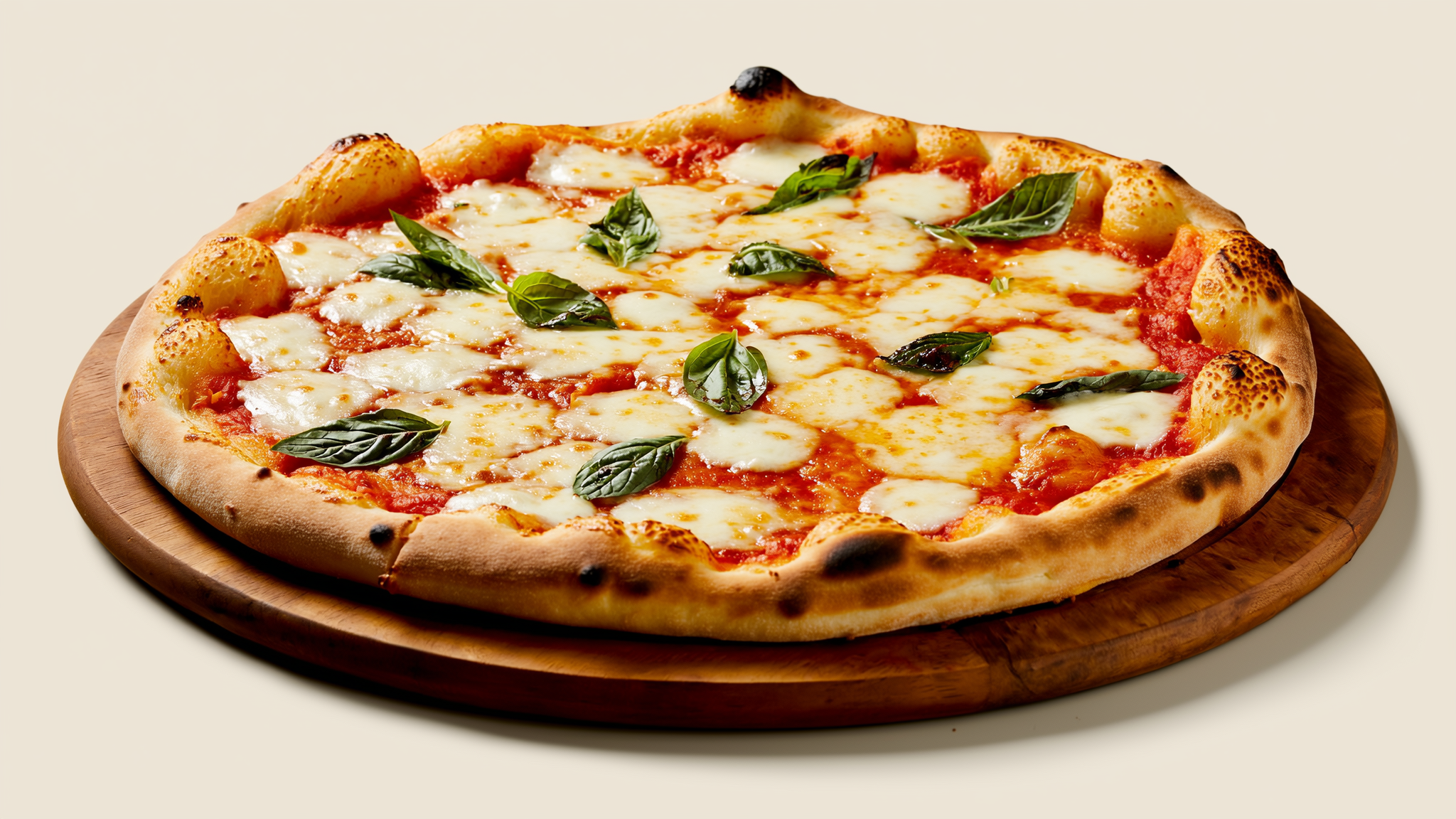
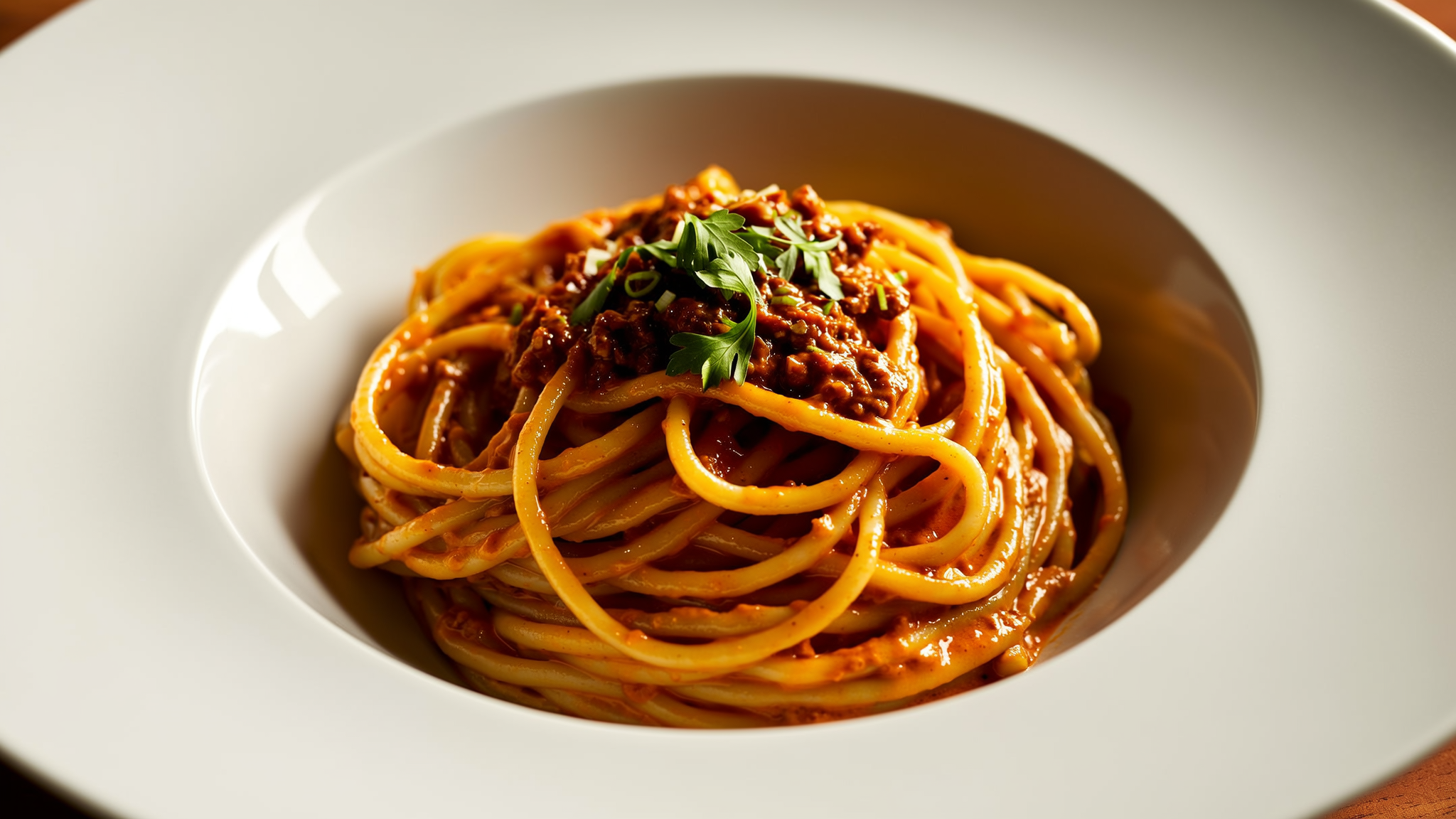

2 more visits and your next main is on us 🍝

Home — your welcome, hours and featured items, in one tap.
It's live — tap any card to order, book or enquire. Nothing is charged or sent.
No coding. No designers. No app-store homework.
Pick a template, make it yours, and publish — that's the whole job.
No coding
You never touch code. Pick a template and edit it like a document — type over the words, swap the photos.
No designers
Colors, fonts and layout arrive already styled. Change what you like; leave the rest — it stays looking sharp.
No app-store homework
It installs from your site to the home screen. No store review to wait on, no developer account, no fees.
Publish
Make it yours and publish. Real orders and bookings show up in your dashboard; paid checkouts run on your own processor.
Browse the templates
Tap one to preview it live →It installs as a web app to the home screen — not a native app-store app. Sample content is illustrative; real orders and bookings land in your dashboard, and paid checkouts run on your own payment processor after you publish.
App Builder questions, answered honestly
Is this a real app on the App Store or Google Play?+
No — and it doesn’t need to be. It’s an installable web app — a PWA, short for Progressive Web App: customers tap “Add to Home Screen” and your site gets its own icon, opens full-screen and works like an app, with no app-store submission, review or fees. It goes live the moment your site does, and updates instantly whenever you change your site.
What can I actually customize?+
In the App Builder studio you design the app icon color and style, the app name, a branded splash screen, the status-bar color, full-screen mode, screen orientation and the start page. You can also turn your key pages into an app-style bottom tab bar. Change any of it any time — no resubmission.
How do customers install it?+
They visit your site and tap “Add to Home Screen” (from the browser’s share menu on iPhone, or an install prompt on Android). Your app icon then lives on their home screen next to their other apps and opens full-screen — no app-store download required.
Does it cost extra?+
The installable app itself is free on every published GrowMyWebsite site — customers add it to their home screen with an icon made automatically from your logo, with no app-store listing fees and no cut of your sales. Designing your own app in the App Builder studio — custom icon color and style, app name, splash screen, colors and the bottom tab bar — is part of the paid plans (Starter and up).
Does it work offline?+
Pages your customers have already visited keep loading without a connection, and the app still opens to your branded splash screen. Actions that need live data (like placing a new order) reconnect when the signal returns.
Can my app look different from my website?+
Yes, on a paid plan. Your app can have its own light or dark mode, accent color and font, all independent of the website — a bright, simple website and a sleek dark app, or the reverse. You can also give the app its own web address, and choose page by page whether each screen shows on the website, inside the app, or both. On the free plan the app inherits your website’s look and address.
Do my menu, listings or rooms stay up to date automatically?+
They can. Connect the tool you already run — Square for a restaurant menu or shop catalog, Cloudbeds for hotel rooms, your MLS/IDX (RESO) feed for listings, or Square Appointments / Calendly for services — and your app keeps itself current, so you never re-type it. A source only syncs once you connect it (and, for MLS, once your platform’s IDX feed is configured); until then, or any time you prefer, add items by hand. Nothing is ever invented to fill a gap. With Calendly, your services and times sync in and the booking is made on your Calendly page, then flows back to you.
Do all the buttons actually work?+
Yes — the app works end to end. A customer taps a card, sees the detail, and orders, books or enquires, and each one lands in your dashboard tagged by where it came from. Paid checkout runs through your own Stripe or Square, so you’re the merchant of record and we never see or store card numbers; if you haven’t connected a processor yet, the order still lands in your dashboard so a sale is never lost. A button that isn’t fully set up is hidden rather than shown broken, so customers never hit a dead end.
Can I message the people who install my app?+
Paid plans include push notifications to your app users — event reminders, booking deadlines, offers and updates — with the monthly volume scaling by plan. Even before you upgrade, the free plan collects subscribers, so your audience is ready. On iPhone, push needs iOS 16.4 or later with your app added to the Home Screen first — a plain Safari visit can’t receive them.
Want the whole picture? See everything the platform does →
Turn your website into an app
Build your free site, design your app in a few clicks, and let customers keep it on their home screen. No app store, no fees.